Skip to content
FAST FREE UK DELIVERY ON THOUSANDS OF ITEMS | Worldwide Delivery Now available on Selected Products
FAST FREE DELIVERY ON THOUSANDS OF ITEMS

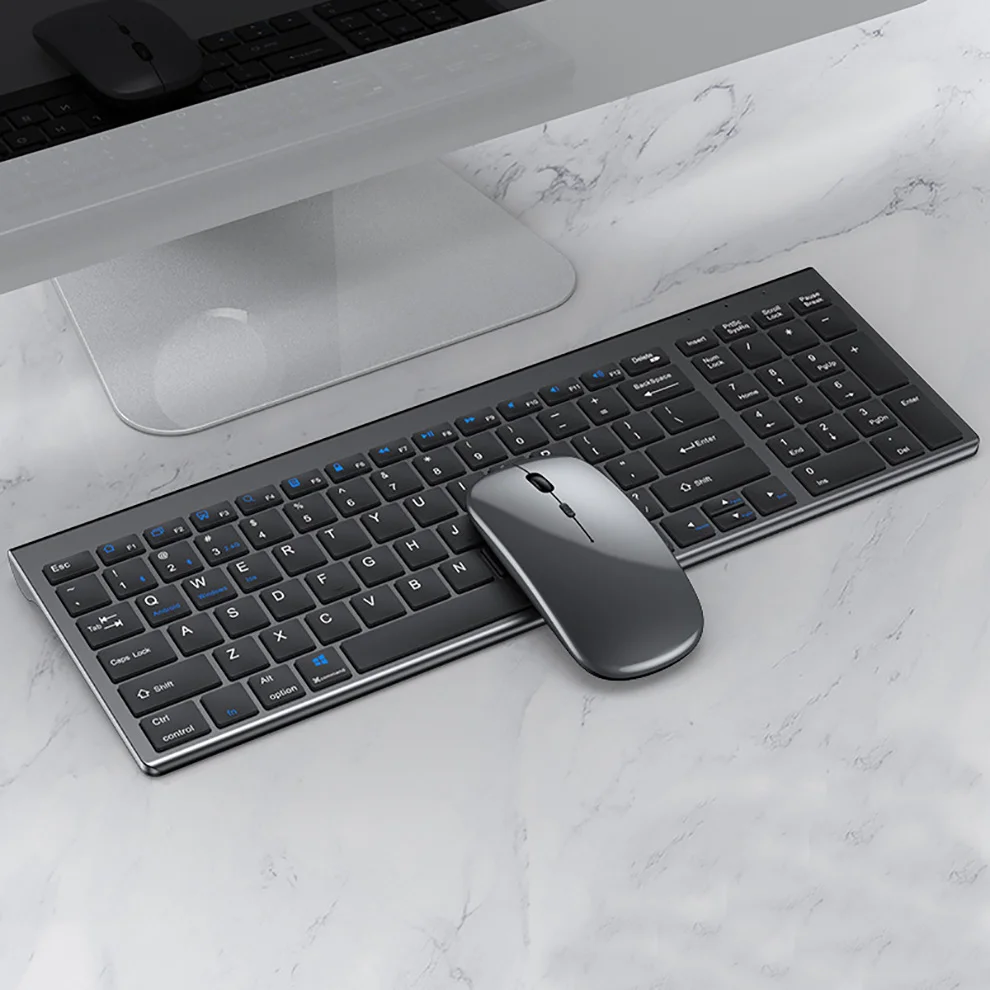
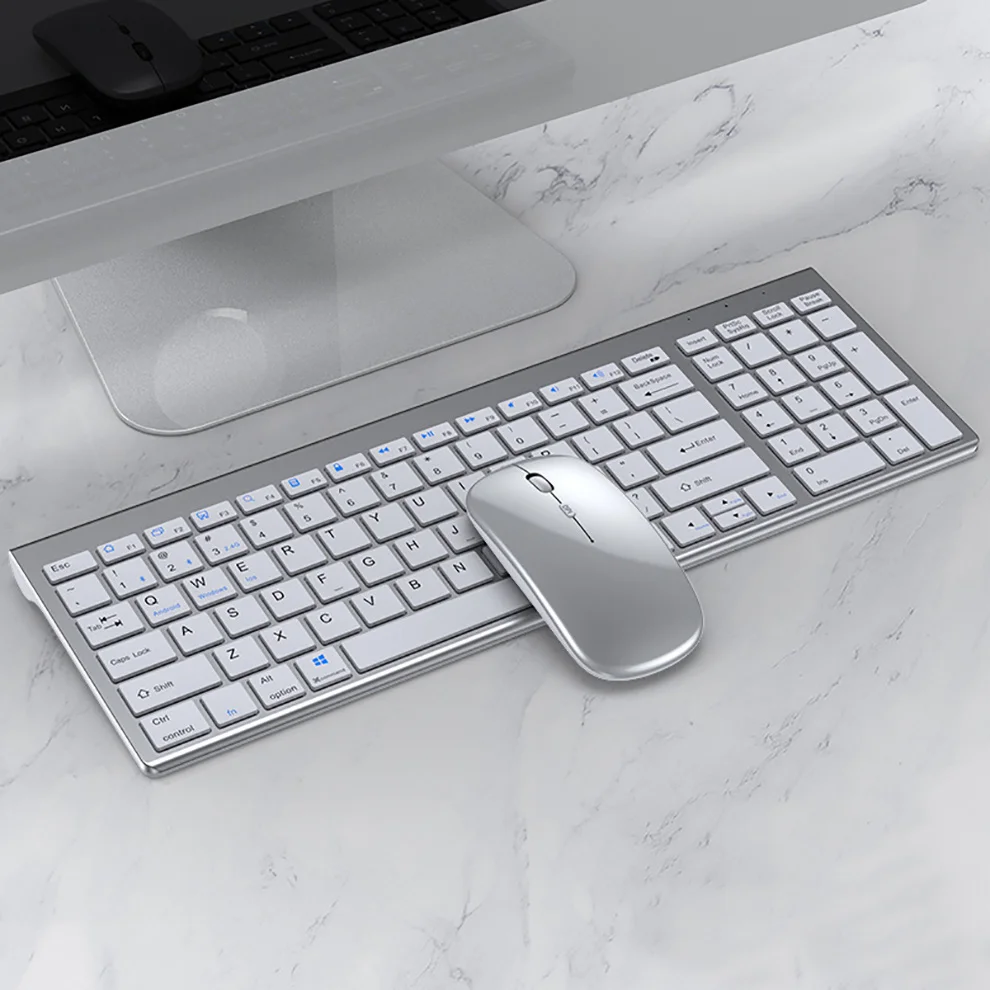
Jomaa Slim Rechargeable Bluetooth Keyboard and Mouse Set for Laptop Computer 2.4G USB Wireless Keyboard and Mouse Combo

by GeToday
Original price £26.60 - Original price £39.99
Original price £26.60
£26.60
£26.60 - £30.51
Current price £26.60

SPECIFICATIONS

Brand Name: JOMAA

Origin: Mainland China

Interface: bluetooth

Interface: USB

Certification: CE

Certification: RoHS

Applicable Object: for laptop

Supports Human Engineering: Yes

Package: Yes

Mouse Connection: WireLess

Optical Resolution: 1600 DPI

Keyboard Connection: WireLess

With Multimedia Function Keys: Yes

Type: ERGONOMIC

Type: Gaming

Type: Multimedia

Type: Russian Version

Type: SLIM

Type: Standard

Type: WireLess

Products Status: STOCK

Choice: yes


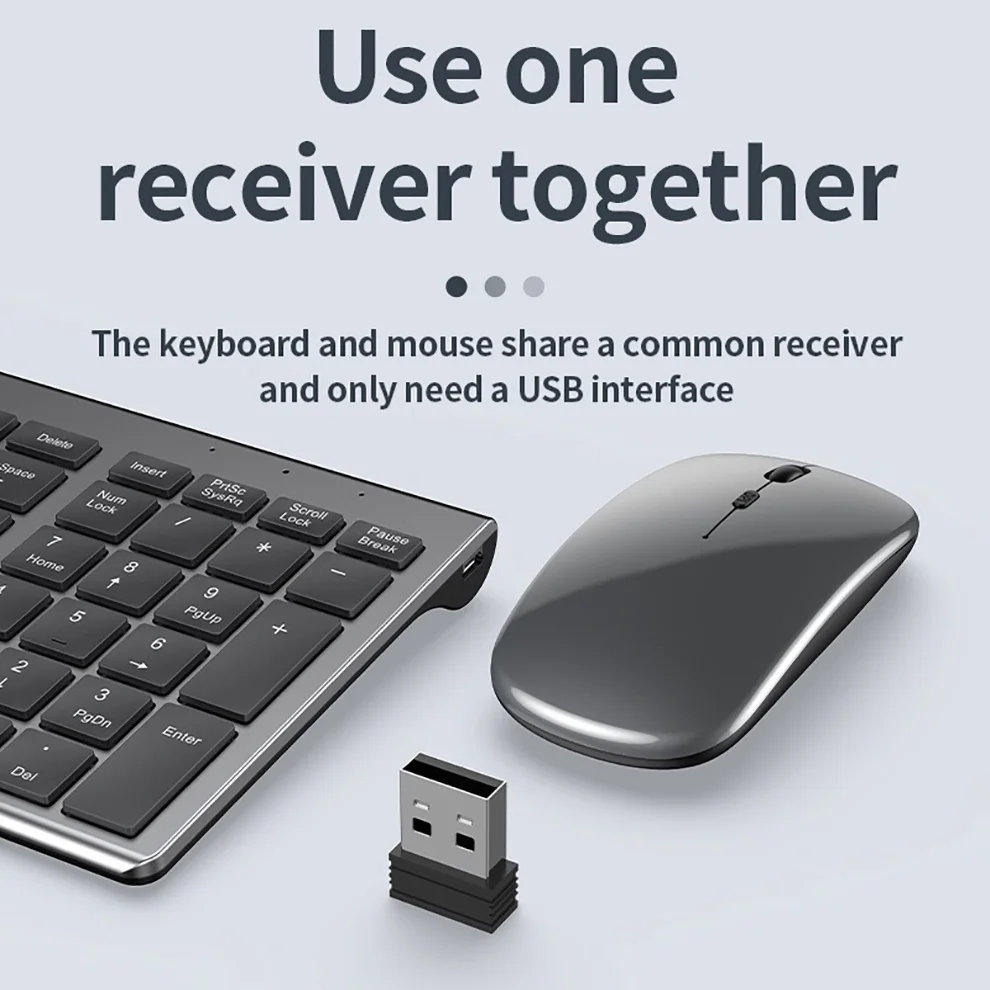
USB2.4G connection:
1. Flip the power switch to ON to turn on the keyboard
2. Insert the USB into the computer, press and hold the button FN+~, the connection is successful
 
Bluetooth connection:
1. Flip the power switch to ON to turn on the keyboard
2. Turn on your device's Bluetooth to enter the search state (system settings - turn on Bluetooth - search and add)
2. Press and hold the key FN+1 or FN+2 or FN+3 on the keyboard, the light flashes, the device will display "O50 keyboard BT", you can click to connect successfully.


Multi-device connection:
1.FN+1: Connect to Bluetooth device 1
2.FN+2: connect to bluetooth device 2
3.FN+3: connect to bluetooth device 3
4.FN+~: connect to USB, 2.4G wireless reception
5. Press FN+1/2/3/~ alone to switch the paired devices
6.FN+1/2/3, press and hold for 3 seconds in combination: flashing light, can start the searched state (connect a new device)
 
 
Additional instructions:
1. For the first connection, you need to switch the keyboard to the corresponding system
2. Failure to switch may cause the function keys to not be used normally!
3. The keyboard distance is 5-10 meters, and the language environment factors of different devices are related to the distance.
 
 
troubleshooting:
1. When the keyboard cannot be searched, please try to turn on the bluetooth on the device to search again
2. When the keyboard is turned on and there is no indicator light, try to charge the keyboard.
3. After connecting to other devices, go back to the original device again, you need to delete the old record before you can connect

4. When the pairing fails, you need to delete the failed pairing record, and then perform the second pairing





SKU 14:350853#Silver English
Availability:
6 in stock, ready to be shipped
Availability:
9 in stock, ready to be shipped
Availability:
9 in stock, ready to be shipped
Availability:
13 in stock, ready to be shipped
Availability:
193 in stock, ready to be shipped
Availability:
11 in stock, ready to be shipped
Availability:
Only 5 left!

Delivery

Fast & Free Delivery on Eligible Items.

Amazon Customers

We Sell Thousands of the same exact products Amazon have listed; but at a Cheaper Price. So Order Now & Checkout with Amazon Payments; so you can use a payment system you trust and Save Money in the process.

Payment Options

To Select from an Extensive amount of Payment Options; including Credit/Debit Card (Visa/Mastercard etc.) Apple Pay, Shop Pay, Amazon Payments, PayPal & more. Select the "Add to Cart" option and then Select "Checkout."

Returns

Something not quite right? You have 14 days from the day you receive it, to send something back.

Please note, we cannot offer refunds on fashion face masks, cosmetics, pierced jewellery, adult toys, and swimwear or lingerie if the hygiene seal is not in place or has been broken. Items of footwear and/or clothing must be unworn and unwashed with the original labels attached. Also, footwear must be tried on indoors. Items of homeware including bedlinen, mattresses, and toppers, and pillows must be unused and in their original unopened packaging. This does not affect your statutory rights.

Click here to view our full Returns Policy.

Compare products

{"one"=>"Select 2 or 3 items to compare", "other"=>"{{ count }} of 3 items selected"}

Select first item to compare

Select second item to compare

Select third item to compare

Compare